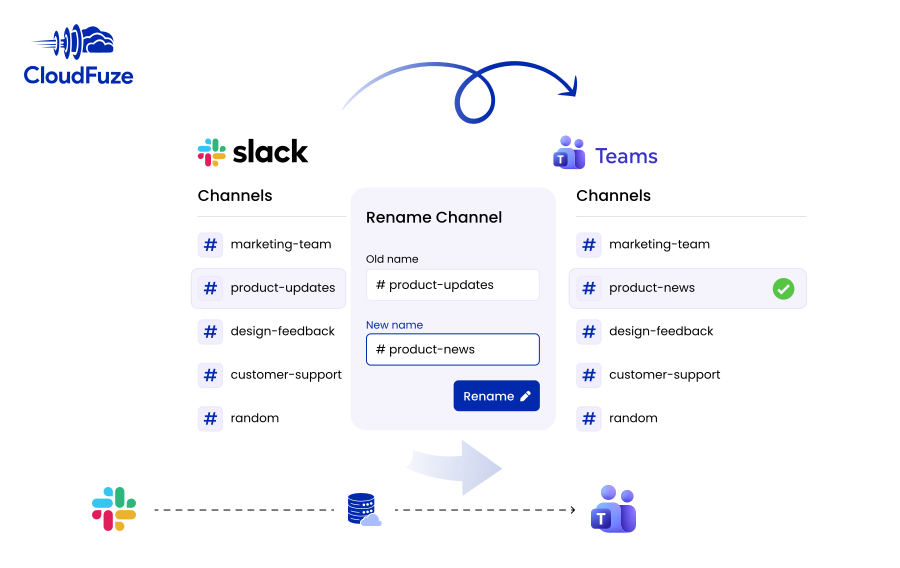
Rename Slack Channel: Steps, Permissions & Migration to Teams
Rename Slack Channel: Steps, Permissions & Migration to Teams You can rename a Slack channel directly inside Slack in a few clicks from the channel header. On Free and [...]


Rename Slack Channel: Steps, Permissions & Migration to Teams You can rename a Slack channel directly inside Slack in a few clicks from the channel header. On Free and [...]
Plan and perform your company’s Outlook to Gmail migration securely and successfully with CloudFuze. Our email migration tool helps you migrate all the mailboxes to Gmail while preserving metadata.
Migrating from Gmail to Outlook? CloudFuze handles the entire transition, from emails and attachments to calendars and contacts, without data loss or disruption to your team.
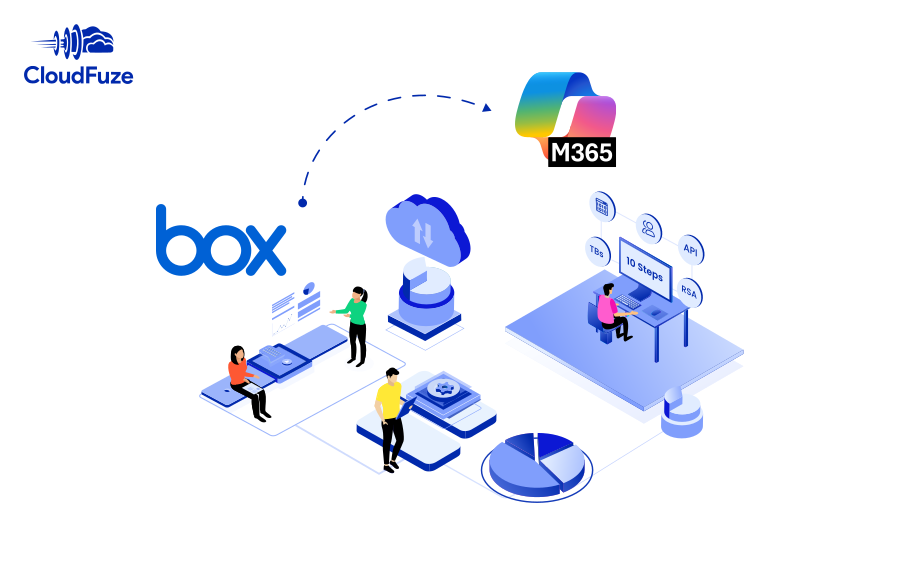
Planning a Box to Microsoft 365 migration for your company? Meet all your business migration needs with our secure and scalable migration solution. Transfer permissions, timestamps, Box Notes, embedded links, versions, shared links, in-line comments, and external shares with our managed migration service.
Migrate high-volume data of your company, university, or government agency from Box to SharePoint. Accelerate your move to Microsoft 365 with CloudFuze’s powerful migration solution and enterprise-grade end-to-end support.
Are you planning to migrate from Box to OneDrive (OneDrive for Business)? Accelerate your move to Microsoft 365 with CloudFuze’s enterprise-grade migration platform and a dedicated project management team.
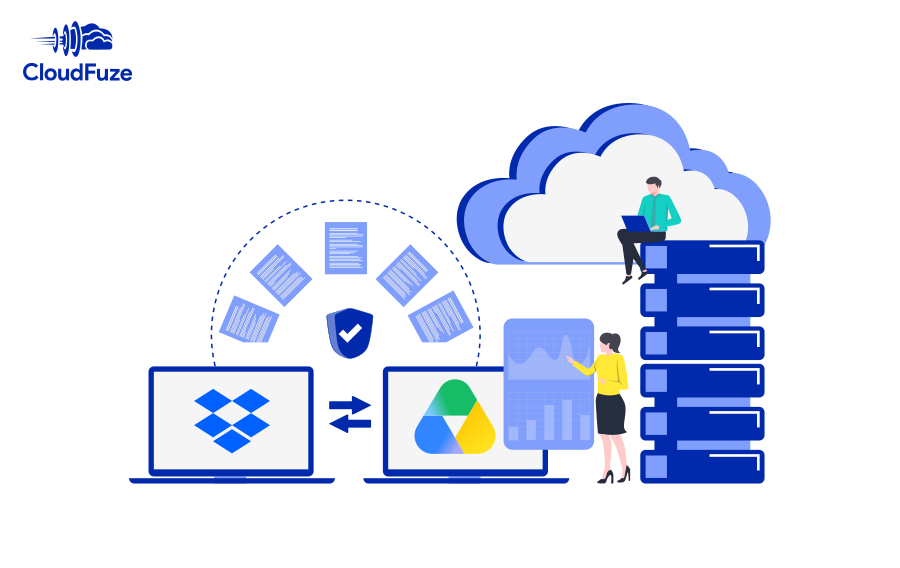
Migrate your company’s Dropbox data to Google Workspace securely and flawlessly with us. Our tool makes it effortless for your team to transfer all the user accounts and data while preserving permissions, external collaborators, and all metadata.
Migrate Dropbox to Google Shared Drives and transfer terabytes of files quickly and securely. Preserve all types of metadata to ensure accurate replication in Google Shared Drives.
Transfer Dropbox to Google Drive with zero downtime and high speed and accuracy with CloudFuze’s enterprise-grade Dropbox to Google Drive migration tool. Our advanced migration solution supports:
5540 Centerview Dr Ste 204
PMB 751561, Raleigh,
North Carolina 27606


© CloudFuze, Inc. 2026 All rights reserved