
Cloud Migration Runbook for IT Admins: Discovery to Validation
When planning a cloud migration, IT admins and teams can follow best practices and avoid going wrong in any area by following a proper cloud migration runbook. With insights for each migration stage, planning, performing, and validating the transition becomes simple and efficient.
We have structured this guide as a handy cloud migration runbook that IT admins and teams can use.
Key Takeaways:
1. Migration Tool Discovery
The first step in planning a cloud migration strategy is to choose the right cloud migration tool. When exploring cloud migration tools in the market, look for solutions that can meet your company’s entire migration needs and schedule discovery calls.
During the discovery call with the migration vendor, ask important questions, such as:
- Does the migration tool support the clouds you want to migrate across?
- Can the migration tool preserve rich metadata and context?
- Can the tool scale to your requirements?
- Does it offer enterprise grade security and compliance?
It is also important to test the tool’s capabilities through a demo or a POC (proof of concept) during the discovery phase to make informed decisions and choose the right cloud migration tool.
2. Pre-Migration Analysis
The next step is to perform an in-depth pre-migration analysis. Check what types of content and data users regularly work on, collaboration patterns between individual users and their teams, third-party integrations, and more.
With an in-depth pre-migration analysis, your IT team can get more clarity on what types of content to migrate, archive, and delete.
3. Scope of Work Planning
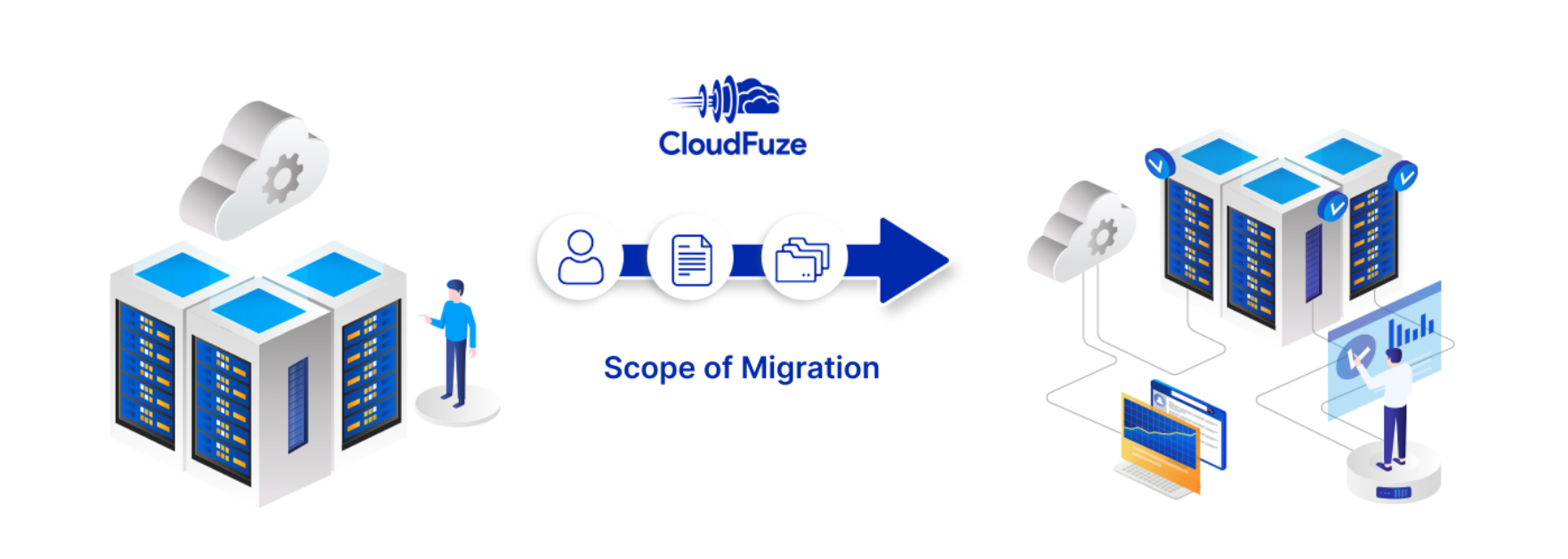
Use the insights you have gained from the pre-migration analysis to plan the scope of work for the entire migration project. It is important to include several migration priorities in the scope of work, including:
- The number of users to migrate
- The size of data to migrate
- The types of metadata and context to preserve
- The number of hyperlinks (embedded links) to preserve
- The types of migration instances to use
- The type of support service required
- Requirement for managed migration service
It’s equally important to prepare a detailed service level agreement (SLA) to ensure all parameters are met, and services are provided as documented.
4. User Mapping and Batch Creation
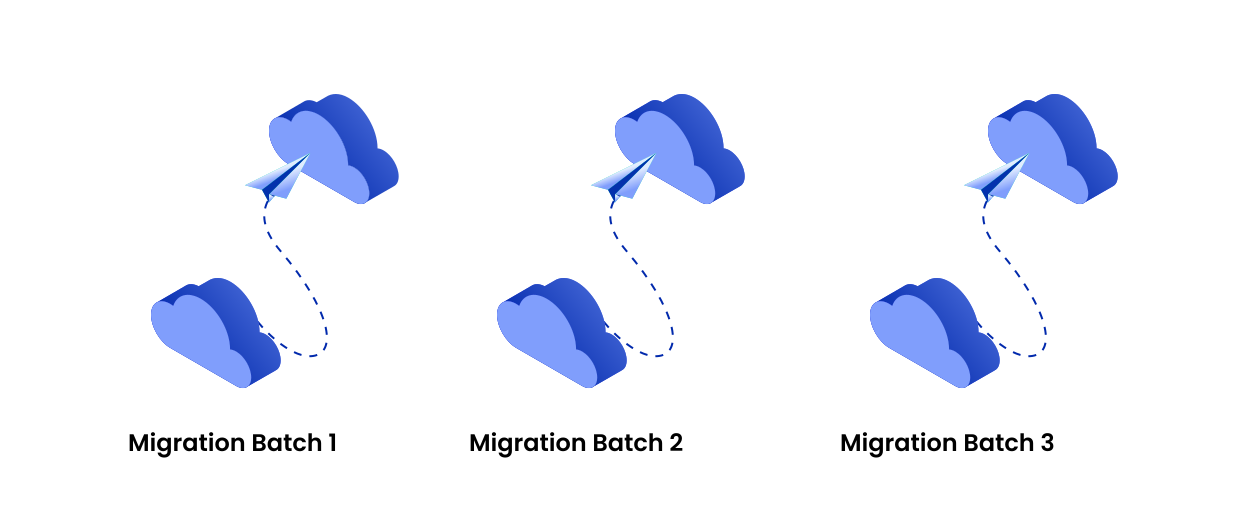
One of the most important steps in any cloud migration runbook is to map users from the source to the destination cloud platforms and create their batches. We recommend using proven mapping methods like CSV mapping to ensure accurate mapping.
After validating the CSV user mapping, make sure to create user batches. Divide the total number of users to migrate into several equal batches. This approach helps you migrate each user batch one by one, keep the overall cloud migration process lightweight, and avoid API throttling risks.
5. Pilot Migration
After all preparations have been done, the step prior to performing one-time migration is to run a pilot migration. This step helps you ensure everything is working as per the plan and that the infrastructure is ready for the actual migration.
Test migrate a small pilot batch with files and folders that replicate real-world usage and collaboration/sharing patterns. Validate the pilot migration report and proceed to the one-time migration stage if everything looks good.
6. One-Time Migration and Validation
Start the one-time migration process with the first user batch. Once the migration is completed, validate it using data migration reports. Then schedule the migration of the second user batch.
Our cloud migration tool, CloudFuze Migrate, generates detailed migration reports that simplify the validation process. Also, all user batches are automatically scheduled to eliminate manual intervention from the IT team.
7. Delta Migration and Validation
After the one-time migration is complete, make sure to perform delta sync to bring all the incremental changes from the source to the destination cloud. The incremental changes get transferred without re-starting the migration all over again.
Also, make sure to validate the delta migration with delta migration reports that advanced tools like CloudFuze Migrate generate. Once done, you can proceed to the cutover stage.
8. Cutover, Post-Migration Integration, and Decommissioning
After all data is migrated to the destination cloud, you can start the cutover process. If it’s a tenant migration, performing a full domain cutover may be necessary. It’s equally important to perform a proper post-migration integration by manually re-integrating third-party apps and services on the destination cloud platform.
After completing cutover and post-migration integration, decommission the source clouds if your company decides to end their licenses. However, if the plan is to archive a chunk of content in the source clouds, decommissioning them may not be required.
Perform Secure and Successful Cloud Migrations with CloudFuze
Leverage our one-stop cloud migration solution to migrate your users and data to your preferred cloud platforms securely and successfully. We have helped some of the world’s largest and most renowned companies, such as National Geographic, Broadcom, IBM, NFL, WeWork, etc., perform successful cloud migrations.
Contact us today to learn more about cloud migration strategies and steps that guarantee success!
Learn more about our one-stop cloud migration solution:
Frequently Asked Questions
1. What are the best practices for creating a cloud migration runbook?
It is important to include proven migration methods, such as mapping users in CSV, migrating users in batches, using automatic resolve functions for unsupported characters and file/folder names, etc., when creating a cloud migration runbook.
2. What are the essential components of a robust cloud migration runbook?
Classification of migration stages, such as discovery, planning, execution, and validation, are one of the most important components of a robust cloud migration runbook. Other areas, such as mapping methods, reporting details, communication and change management plans are also important.
3. What are the tools and platforms for automating cloud migration tasks?
CloudFuze Migrate is one of the best tools for automating several cloud migration tasks, such as scheduling batches, automating re-tries, automating reporting, resolving content for destination cloud platform restrictions, and more.
About the Author: Pankaj Rai



