

Signs Your Organization Has a Data Overexposure Problem
Signs Your Organization Has a Data Overexposure Problem Data overexposure takes place when confidential data gets exposed to unintended users, apps, or AI systems. This can happen through sharing a folder with "everyone" or unmanaged. It spreads quietly [...]
How to Configure Outlook and Microsoft 365 Retention Policies
How to Configure Outlook and Microsoft 365 Retention Policies Outlook and Microsoft 365 retention policies let you control how long Microsoft 365 keeps your mail, files, and Teams messages. You can apply default policies to entire mailboxes, set [...]

Microsoft Teams Channel Management and File Sharing Tips
Microsoft Teams Channel Management and File Sharing Tips In Microsoft Teams, standard channels are open to all team members, private channels restrict access to selected members, and shared channels include people from outside the team. Files shared in [...]
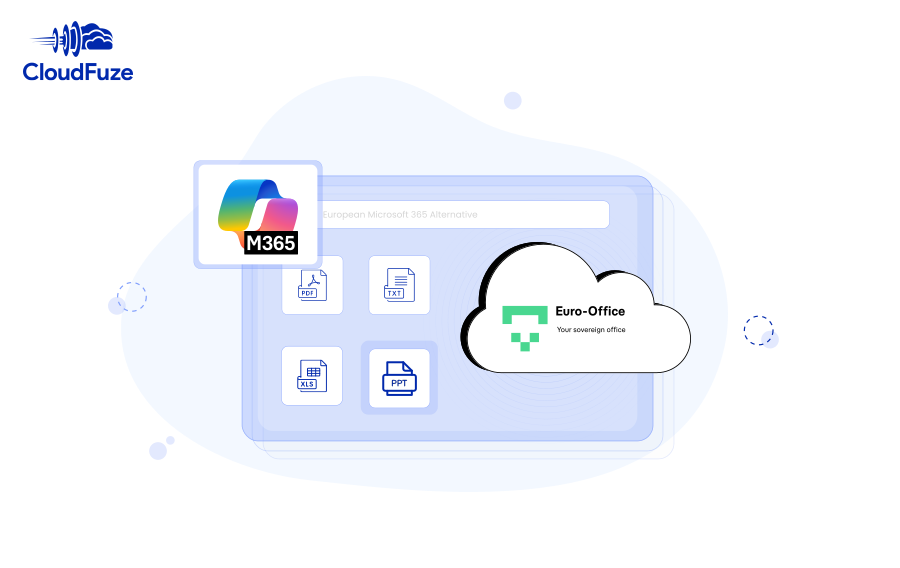
Euro-Office: The New European Microsoft 365 Alternative
Euro-Office: The New European Microsoft 365 Alternative Euro-Office is a free, open-source, cloud-based office suite developed by a coalition of European technology companies, launched on June 9, 2026. It is a fully sovereign alternative to Microsoft 365 and [...]
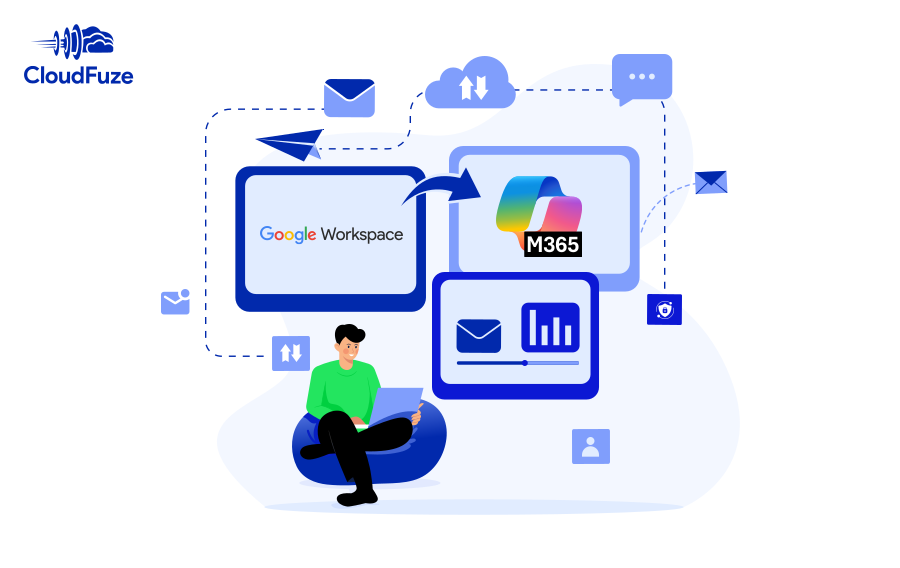
How to Migrate Emails from Google Workspace to Microsoft 365
How to Migrate Emails from Google Workspace to Microsoft 365 Migration of thousands of mailboxes from Google Workspace to Microsoft 365 goes beyond just migrating emails. Large enterprises with sensitive data have to ensure that their business continuity, data [...]
Dropbox to Google Workspace Migration Guide for IT Admins
Migrate your company’s Dropbox data to Google Workspace securely and flawlessly with us. Our tool makes it effortless for your team to transfer all the user accounts and data while preserving permissions, external collaborators, and all metadata.

7 Costly Employee Offboarding Mistakes and How to Avoid Them
7 Costly Employee Offboarding Mistakes and How to Avoid Them Common employee offboarding mistakes include leaving orphaned user access active, failing to remove shadow apps, and forgetting to cancel ex-employees’ unused licenses. These offboarding issues also create cost risks [...]
10 Best Ways to Manage SaaS Applications in 2026
In this blog post, we’ll explore what a SaaS application is, the top 10 ways to manage it, and how CloudFuze Manage can help businesses in managing SaaS applications.
Washington Post’s 240+ TB Google Workspace Data Migration
Washington Post's 240+ TB Google Workspace Data Migration The Washington Post planned to consolidate from Dropbox to Google Workspace for tighter integration and centralized ownership. Migration challenges included tighter deadlines, years of intricate sharing permissions, deep folder nesting [...]



