How to Upload Files to Box Via Email?
How to Upload Files to Box Via Email? Box platform allows users to upload files in different ways such as browser upload, desktop client sync, and third-party integrations. Box [...]

How to Upload Files to Box Via Email? Box platform allows users to upload files in different ways such as browser upload, desktop client sync, and third-party integrations. Box [...]
How to Add and Authorize Clouds to a CloudFuze account If you are planning to migrate files from Dropbox to Google Drive, here is the detailed tutorial that lets [...]
How to Enable Email Notifications in a Box User Account Box platform provides extensive notifications on many activities that take place within a Box account. However, by default, many [...]
How to Create a CloudFuze Account A CloudFuze account is necessary to add clouds and transfer data. Follow these instructions to create a CloudFuze account. You can create a [...]
SharePoint File Restore Process Explained In addition to providing extensive version history, SharePoint also allows a user to restore a SharePoint file to an earlier version or timelines. The [...]
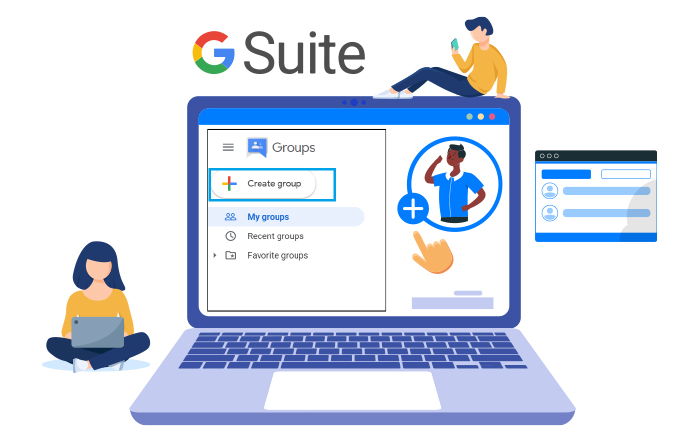
How to Create a Group and Add Members to It in G Suite? Groups in G Suite allows team members to create a collective cloud workspace to upload and [...]
Login to Office 365 Admin Center Go to Users Select a user from Active users Go to More Options Select a Domain Save Changes How to Change [...]
Four Google Form Settings You Should Be Aware of Google forms is a simple and free tool that can be used in many ways from conducting surveys to receiving [...]
How to View Group Insights in Yammer Yammer is an intra-org social media platform made especially for business users. Yammer comes as a part of the Office 365 bundle [...]
How to Update Microsoft Teams on Windows 10 Microsoft Teams has emerged as one of the market leaders in recent years. Microsoft has been heavily focusing on Teams amidst [...]
2500 Regency parkway,
Cary, NC 27518



© CloudFuze, Inc. 2026 All rights reserved