How to Enable Email Notifications in a Box User Account
How to Enable Email Notifications in a Box User Account Box platform provides extensive notifications on many activities that take place within a Box account. However, by default, many [...]


How to Enable Email Notifications in a Box User Account Box platform provides extensive notifications on many activities that take place within a Box account. However, by default, many [...]
How to Create a CloudFuze Account A CloudFuze account is necessary to add clouds and transfer data. Follow these instructions to create a CloudFuze account. You can create a [...]
How to Change the Domain of an Office 365 User Microsoft allows companies to add a custom domain to their account which can be used [...]
Four Google Form Settings You Should Be Aware of Google forms is a simple and free tool that can be used in many ways from conducting surveys to receiving [...]
How to Update Microsoft Teams on Windows 10 Microsoft Teams has emerged as one of the market leaders in recent years. Microsoft has been heavily focusing on Teams amidst [...]
How to Add Third-Party Apps to Your Box Account Box users can add third-party apps from the Box app marketplace to add new features or functionalities to their Box [...]
How to Check Available Storage Space in a Dropbox Business Account How much Dropbox storage space has your company used so far? Keeping an eye on storage usage metrics [...]
How to Add a Domain to Office 365 Account Microsoft Office 365 can be customized with a company’s official domain name. The domain also serves as an email [...]
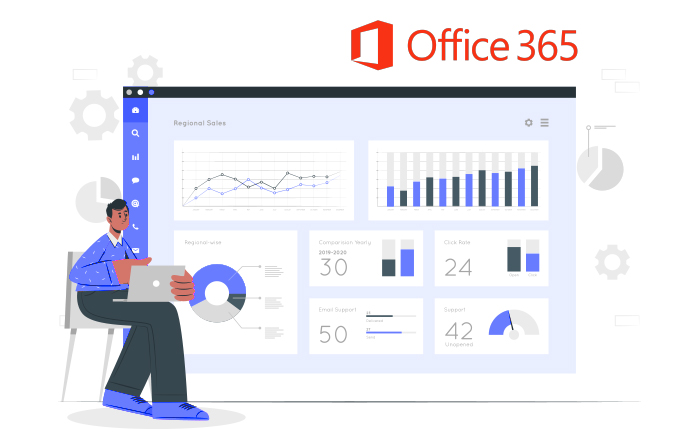
How to Enable Office 365 Usage Analytics from Admin Center Office 365 provides the usage analytics dashboard which is powered by Power BI. The analytics provide deep Office 365 [...]
How to Add Active Users in Office 365 Admin Center Adding new users to Office 365 isn’t a difficult task. However, if you are an IT admin and if [...]
5540 Centerview Dr Ste 204
PMB 751561, Raleigh,
North Carolina 27606




© CloudFuze, Inc. 2026 All rights reserved