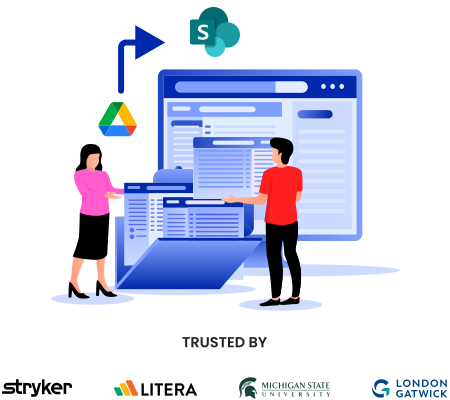
How to Transfer Files from Google Shared Drives to SharePoint Online?

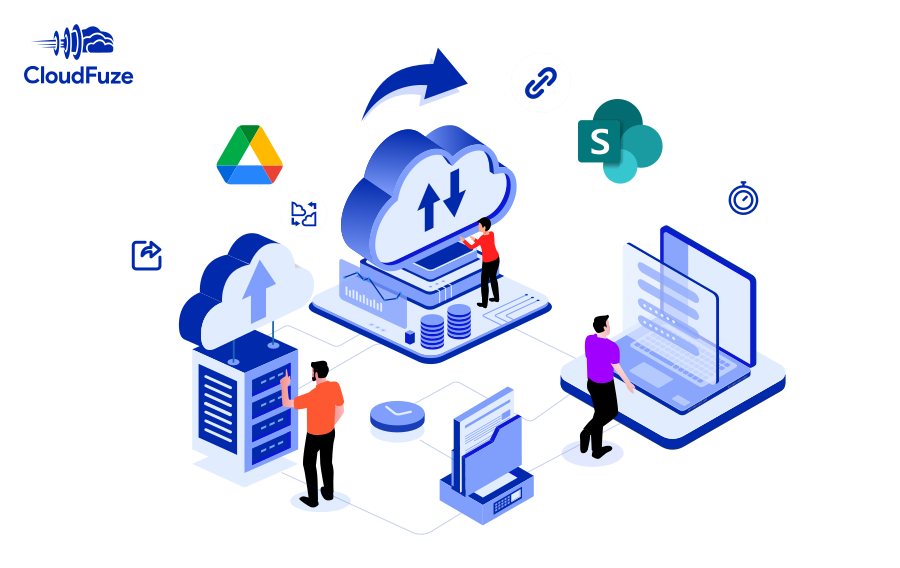
Migrate Google Shared Drives to SharePoint Online, securely and completely with CloudFuze. Move files, folders, permissions, timestamps, embedded links, external shares, and various other metadata with zero disruption to your team's ongoing work.
  • One-time & delta user migrations
  • Version history migration
  • Root and subfolder permissions migration
  • Root file permissions migration
  • External shares migration
  • Shared links migration
  • Embedded links migration
  • Special characters replacement

Dropbox to Google Shared Drives Migration Guide 2026

Migrate Dropbox to Google Shared Drives and transfer terabytes of files quickly and securely. Preserve all types of metadata to ensure accurate replication in Google Shared Drives.

  • One-time & delta migrations
  • Version history migration
  • Shared and embedded links migration
  • Root folder permissions migration
  • Sub-folder permissions migration
  • External Shares Migration

SharePoint Online to Google Shared Drives Migration Guide for Businesses

Perform your company’s SharePoint Online to Google Shared Drives migration with CloudFuze. With our content migration tool, you can ensure accurate replication of SharePoint data in Shared Drives.

  • One-time and delta migration
  • Sharing permissions migration
  • Timestamps preservation
  • External shares migration
  • Version history preservation
  • Shared links migration

Egnyte to Google Shared Drives Migration Guide for IT Admins

Transfer your company’s folders and files from Egnyte to Google Shared Drives with CloudFuze. Our industry-leading migration tool can help you ensure accurate replication of Egnyte data in Google Shared Drives.

  • One-time and delta migration
  • Sharing permissions migration
  • Version history preservation
  • Timestamps preservation
  • Fully managed migration
  • Post-migration support
By |April 10, 2026|Knowledgebase|Comments Off on Egnyte to Google Shared Drives Migration Guide for IT Admins
Go to Top