
Dropbox to OneDrive for Business Migration: Complete IT Guide

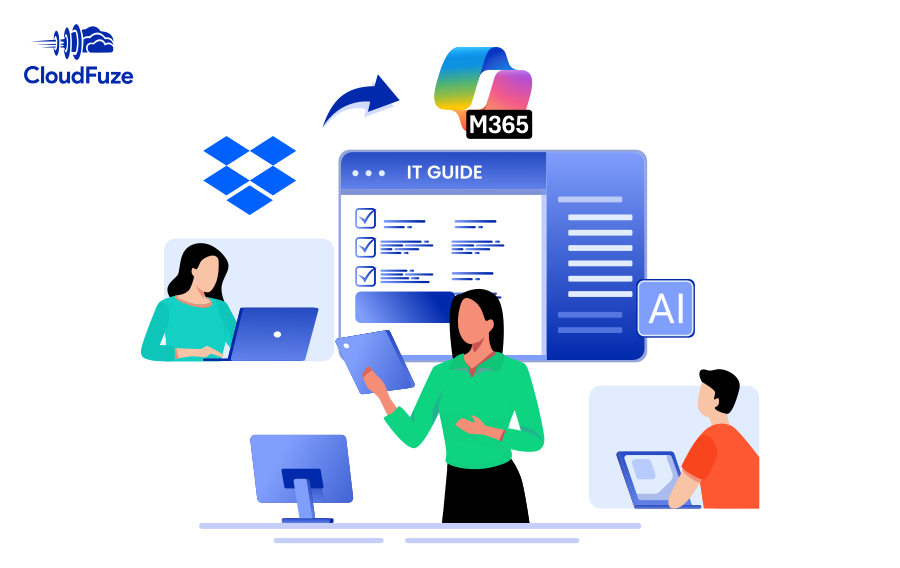
CloudFuze migrates your organization's Dropbox files, folders, permissions, shared links, version history, and Dropbox Paper to OneDrive for Business without any data loss. Your team stays productive throughout and becomes fully operational on Microsoft 365 after migration.

  • One-time & delta migrations
  • Version history migration
  • Root and subfolder permissions migration
  • Root and inner file permissions migration
  • External Shares migration
  • Embedded links migration
  • Timestamps preservation
  • Special characters replacement
  • Dropbox Paper migration

IT Admin Guide to Migrate Dropbox to OneDrive

When planning to migrate Dropbox to OneDrive, it is critical to check several boxes to ensure your business and your IT team does not go wrong in any area. And with CloudFuze as the migration partner, you can streamline every aspect of the migration and ensure complete success.

  • One-time and delta migration
  • Preservation of root and sub folder permissions
  • Preservation of root and inner file permissions
  • Migration of embedded links, versions, and external shares
  • Migration of Dropbox Paper
  • Pre- and post-migration support
Go to Top