Plan Your Business’s Email Migration from Gmail to Office 365
Plan Your Business's Email Migration from Gmail to Office 365 Whether your organization is planning email migrations from Gmail to Office 365 (Microsoft 365) as a standalone project [...]

Plan Your Business's Email Migration from Gmail to Office 365 Whether your organization is planning email migrations from Gmail to Office 365 (Microsoft 365) as a standalone project [...]
Enable your organization to securely migrate Amazon WorkDocs to SharePoint Online with CloudFuze. With our content migration tool, CloudFuze Migrate, you can transfer entire users and their files and folders while accurately replicating their metadata and other properties.
Streamline Box Data Migration to Google Drive with CloudFuze Migrating cloud data from Box to Google Drive with utmost security is a complicated process that requires hands-on expertise. [...]
Migrate Google Workspace to Microsoft 365 with Total Replication Taking a comprehensive approach is the key strategy that can work for your organization when planning to migrate from [...]
Migrate Egnyte to Microsoft 365 for Microsoft 365 Consolidation Since Egnyte is a single/individual drive, the path to migrate it to OneDrive, SharePoint Online, and other apps for [...]
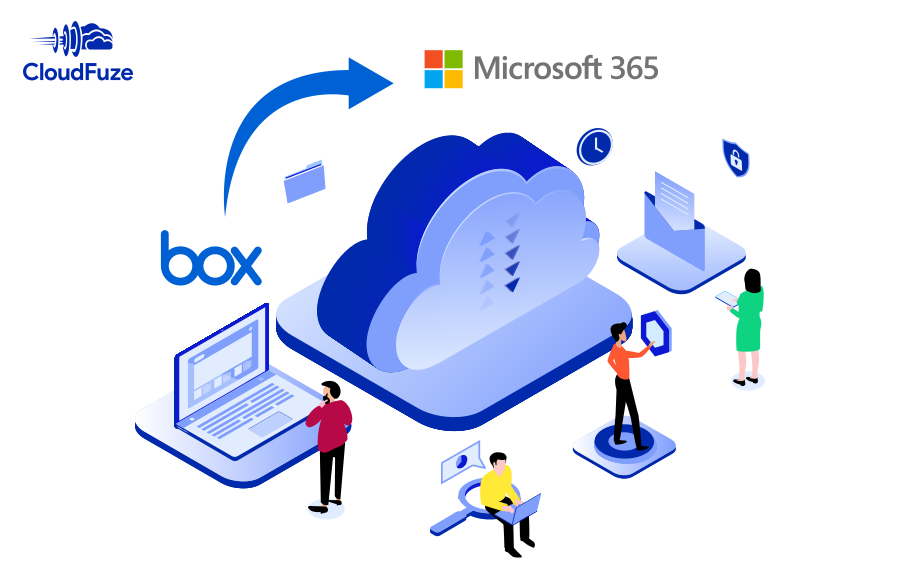
How to Secure & Streamline Migrations from Box to Office 365? Organizations planning cloud data migration from Box to Microsoft 365 need to be vigilant to avoid data [...]
Move Files from Dropbox to SharePoint with File Versions While considering cloud data migration, it is essential to plan file and folder features like embedded links, sharing permissions and [...]
Strategies for SMBs to Plan Microsoft Tenant to Tenant Migrations Since Microsoft 365 tenant to tenant migrations are multi-faceted, SMBs and their IT team must evaluate the comprehensiveness [...]
Make the process of migrating from Amazon WorkDocs to OneDrive effortless for your organization with CloudFuze. Our team will provide you with end-to-end assistance in planning and performing the entire migration while ensuring zero downtime and no user impact.
How to Use Microsoft Power Automate in Microsoft Teams? When it comes to automating everyday tasks in Microsoft Teams, one of the best options is to integrate the [...]
2500 Regency parkway,
Cary, NC 27518



© CloudFuze, Inc. 2026 All rights reserved