Standalone SharePoint & OneDrive Retires: Migrate Before 2027
Standalone SharePoint & OneDrive Retires: Migrate Before 2027 Microsoft is retiring the standalone SharePoint Online (SPO) plan 1 and plan 2 and OneDrive for Business (ODB) plan 1 [...]

Standalone SharePoint & OneDrive Retires: Migrate Before 2027 Microsoft is retiring the standalone SharePoint Online (SPO) plan 1 and plan 2 and OneDrive for Business (ODB) plan 1 [...]
Switch Google Workspace to Google Workspace & Retain Versions Modern enterprises create and update thousands of collaborative files across Google Workspace environments. With multiple users editing documents daily, [...]
Best Gmail to Gmail Migration Tool for Enterprises: CloudFuze Enterprise Gmail migrations can involve thousands of users, millions of emails, and even terabytes of mission-critical data. During mergers, [...]
How to Import Events to Google Calendar To import calendar events to Google Calendar, click on Settings --> Import & Export. Select file from your computer. Then select [...]
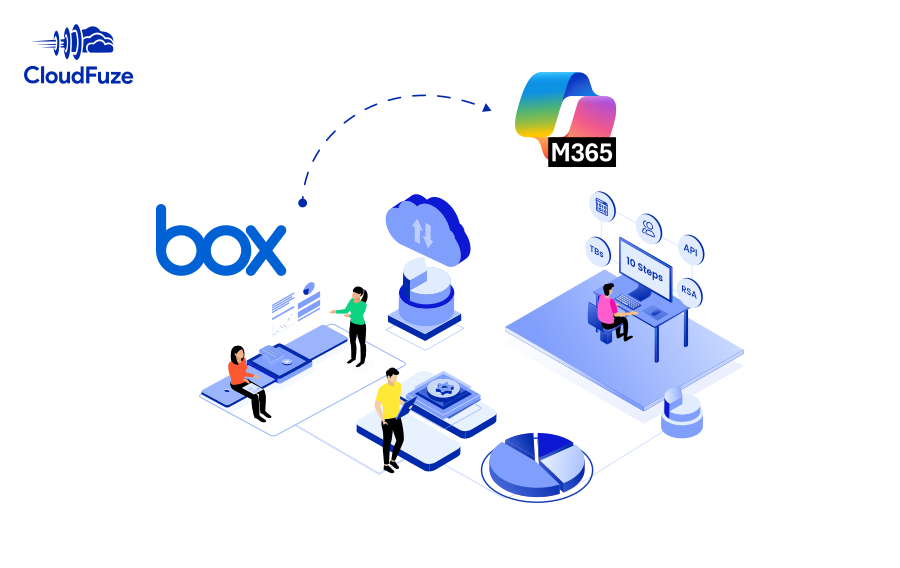
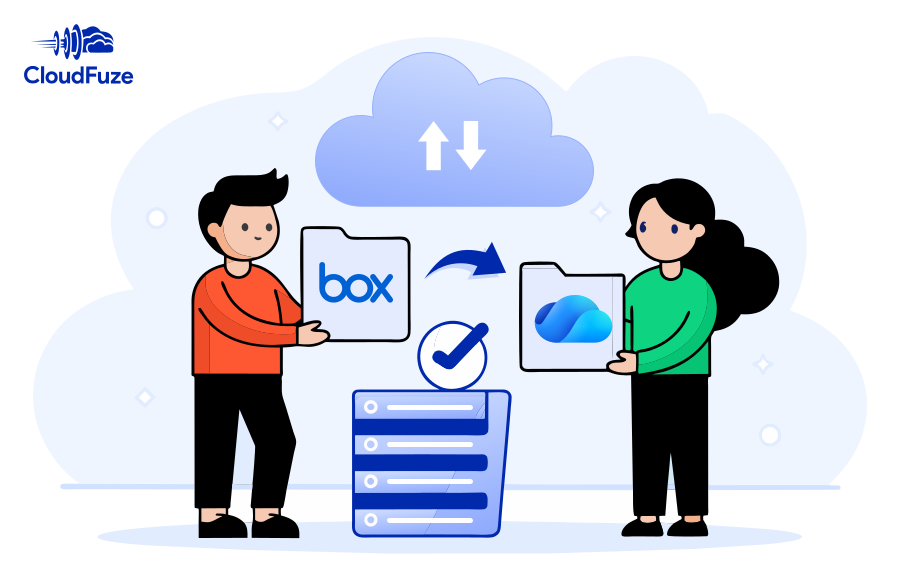
Planning a Box to Microsoft 365 migration for your company? Meet all your business migration needs with our secure and scalable migration solution. Transfer permissions, timestamps, Box Notes, embedded links, versions, shared links, in-line comments, and external shares with our managed migration service.
Migrate high-volume data of your company, university, or government agency from Box to SharePoint. Accelerate your move to Microsoft 365 with CloudFuze’s powerful migration solution and enterprise-grade end-to-end support.
Best Outlook to Gmail Migration Tool for Large Businesses According to Google, Gmail is an “AI-powered email for everyone” and is used by billions of users worldwide. Therefore, [...]
Are you planning to migrate from Box to OneDrive (OneDrive for Business)? Accelerate your move to Microsoft 365 with CloudFuze’s enterprise-grade migration platform and a dedicated project management team.
How to Restore a Previous Version of a File in OneDrive Microsoft OneDrive allows you to restore deleted file versions. To restore a previous version of a file [...]
Signs Your Organization Has a Data Overexposure Problem Data overexposure takes place when confidential data gets exposed to unintended users, apps, or AI systems. This can happen through [...]
5540 Centerview Dr Ste 204
PMB 751561, Raleigh,
North Carolina 27606




© CloudFuze, Inc. 2026 All rights reserved