
How Automated Offboarding Workflows Mitigate Security Risks
Are your former employees still retaining access to your company’s confidential data?
As an IT admin, if you don’t promptly revoke ex-employees’ access or properly track every step of employee offboarding, you put your organization at risk of a data breach.
However, you can safeguard your organization with our SaaS & AI app management software, CloudFuze Manage, which automates offboarding workflows to help IT admins avoid data security risks arising from human oversight.
In this blog post, you’ll discover how IT admins can mitigate SaaS & AI app security risks with CloudFuze Manage’s automated offboarding workflows.
Key Takeaways:
Overview of Automated Offboarding Workflows
Automated offboarding workflows are predefined, system-driven processes that handle employee exits without any manual effort.
Instead of relying on your IT admins to manually deactivate user accounts or remove user access, the automated workflow executes each step once an employee’s departure is recorded.
For example, when HR marks an employee’s status as inactive, the automated offboarding system immediately restricts the particular employee’s access, reallocates their files, notifies their team, and records every offboarding action of the employee for future reference.
To fully automate your user onboarding and offboarding workflows, try our unified SaaS and AI app management platform, CloudFuze Manage, which makes user management completely hands-off/zero-touch.
Why Automated Offboarding Is Necessary for Mitigating Security Risks?
Manually offboarding users is a tedious and error-prone process. Sometimes, IT admins forget to revoke the user access of an employee who left the organization 6 months ago.
But with automated offboarding, IT admins can:
- Address security gaps arising from manual user access revocation delays.
- Immediately deactivate the ex-employee’s account to block external unauthorized user access risks.
- Find and remove orphaned/zombie user accounts in a large enterprise to reduce license costs.
- Maintain accurate and consistent employee offboarding steps with audit-ready logs.
So, automated employee offboarding is necessary not only to mitigate security risks but also to reduce costs associated with idle licenses.
How Automated Offboarding Differs from Manual Offboarding Processes?
Here’s a table differentiating manual offboarding from automated offboarding:
| Manual Offboarding | Automated Offboarding |
|---|---|
| Automated Offboarding | Access is removed instantly without manual intervention |
| Slow and inconsistent process | Fully automated offboarding workflow |
| Missed account revocation due to manual delays | No idle accounts are left behind |
| Poor offboarding process documentation | Automatic audit logs creation |
| Hard to scale | Scales effortlessly with automation |
When you automate every step of employee offboarding with our automated employee offboarding tool, CloudFuze Manage, you can get rid of most of the offboarding-related security incidents.
How Can IT Admins Build Automated Offboarding Workflows with CloudFuze Manage?
With our SaaS & AI app management, CloudFuze Manage, SMBs and large enterprises can instantly revoke ex-employees’ accounts using our automated offboarding workflow.
Here’s the step-by-step explanation of our automated offboarding:
- Step1: Connect your HR and IT systems to our platform to automatically trigger offboarding when HR updates an employee’s status.
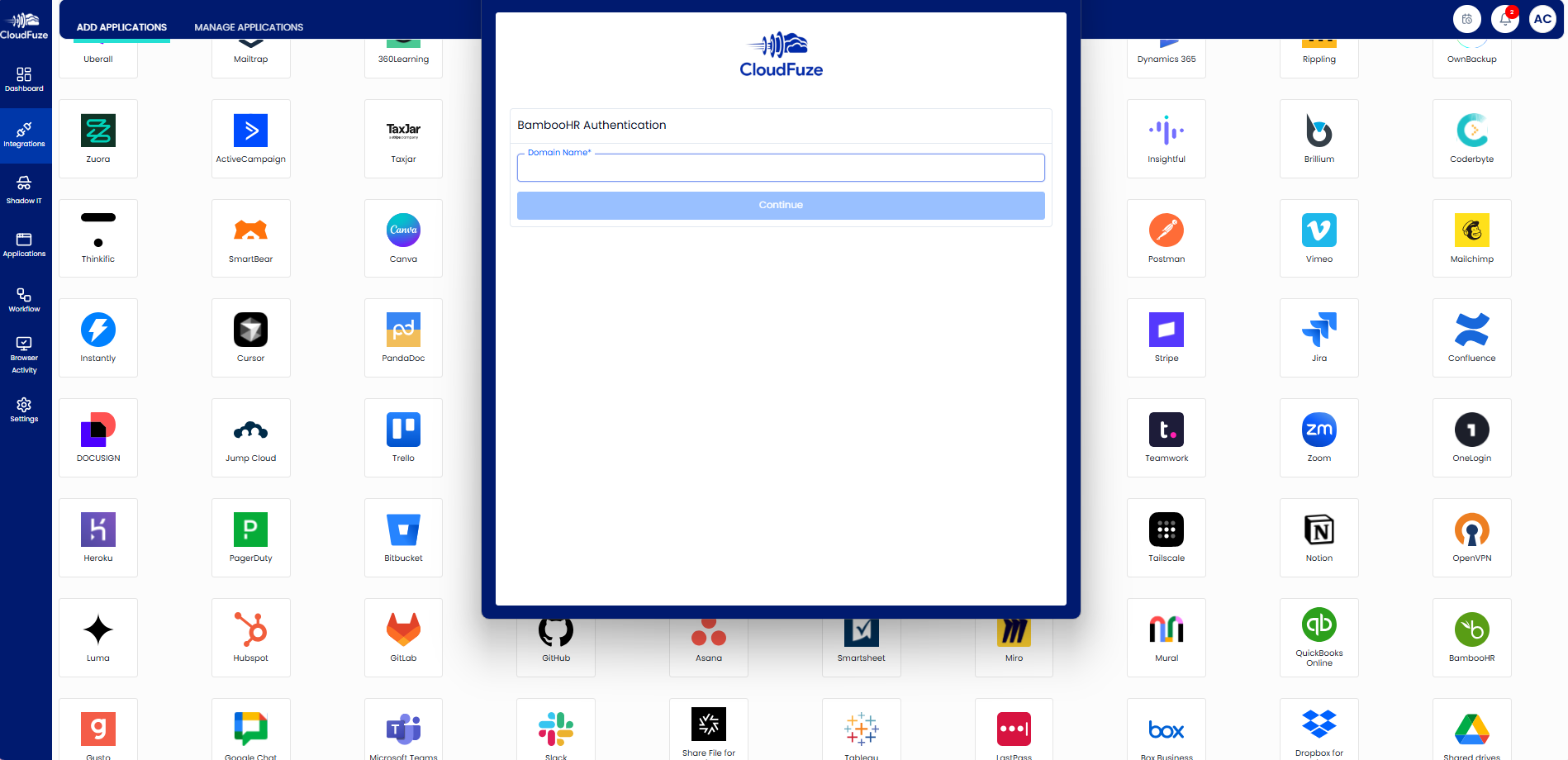
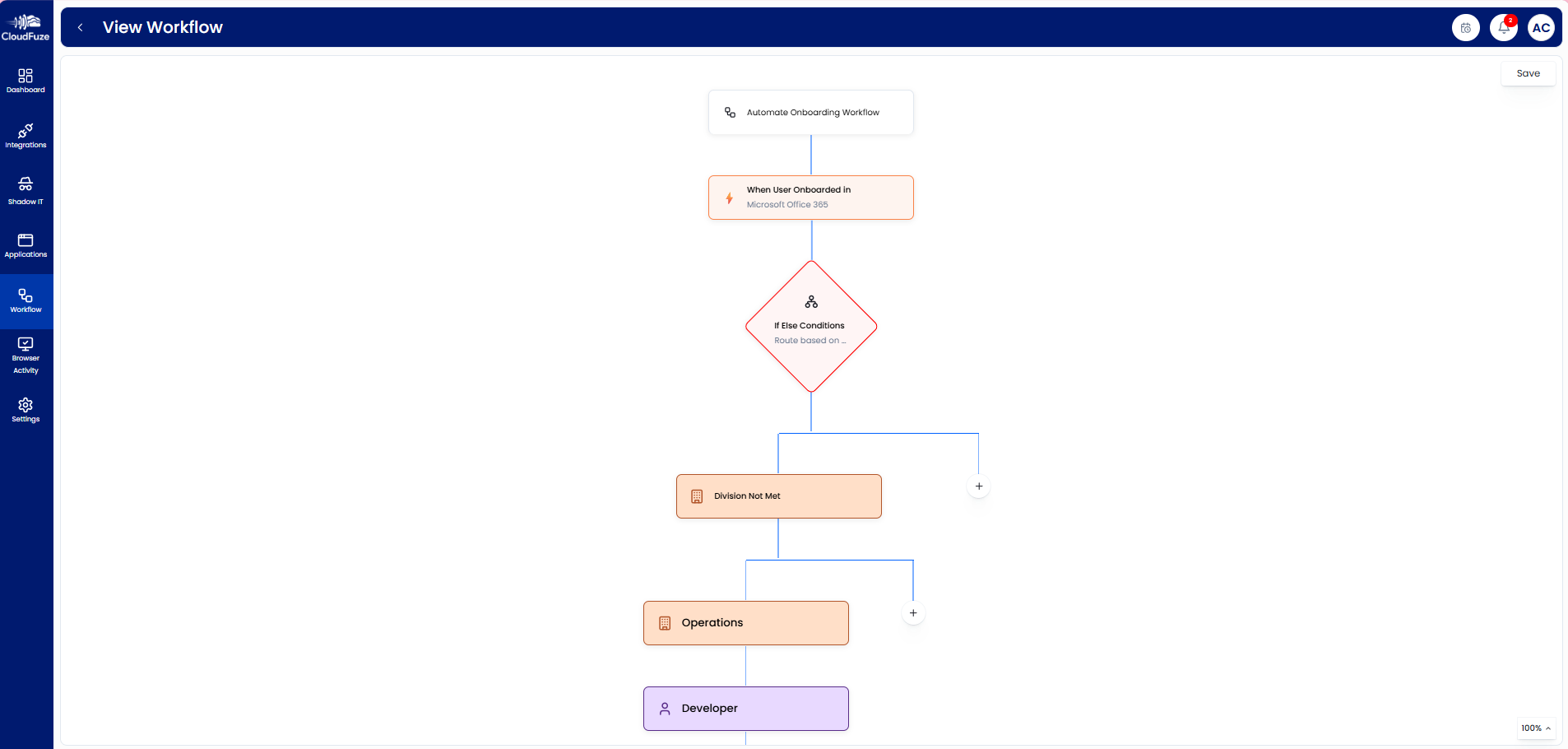
- Step 2: Create a standardized offboarding workflow using the “Manage workflow” option, detailing precise employee access removal, data/email reassignment, license revocation, and team notifications.
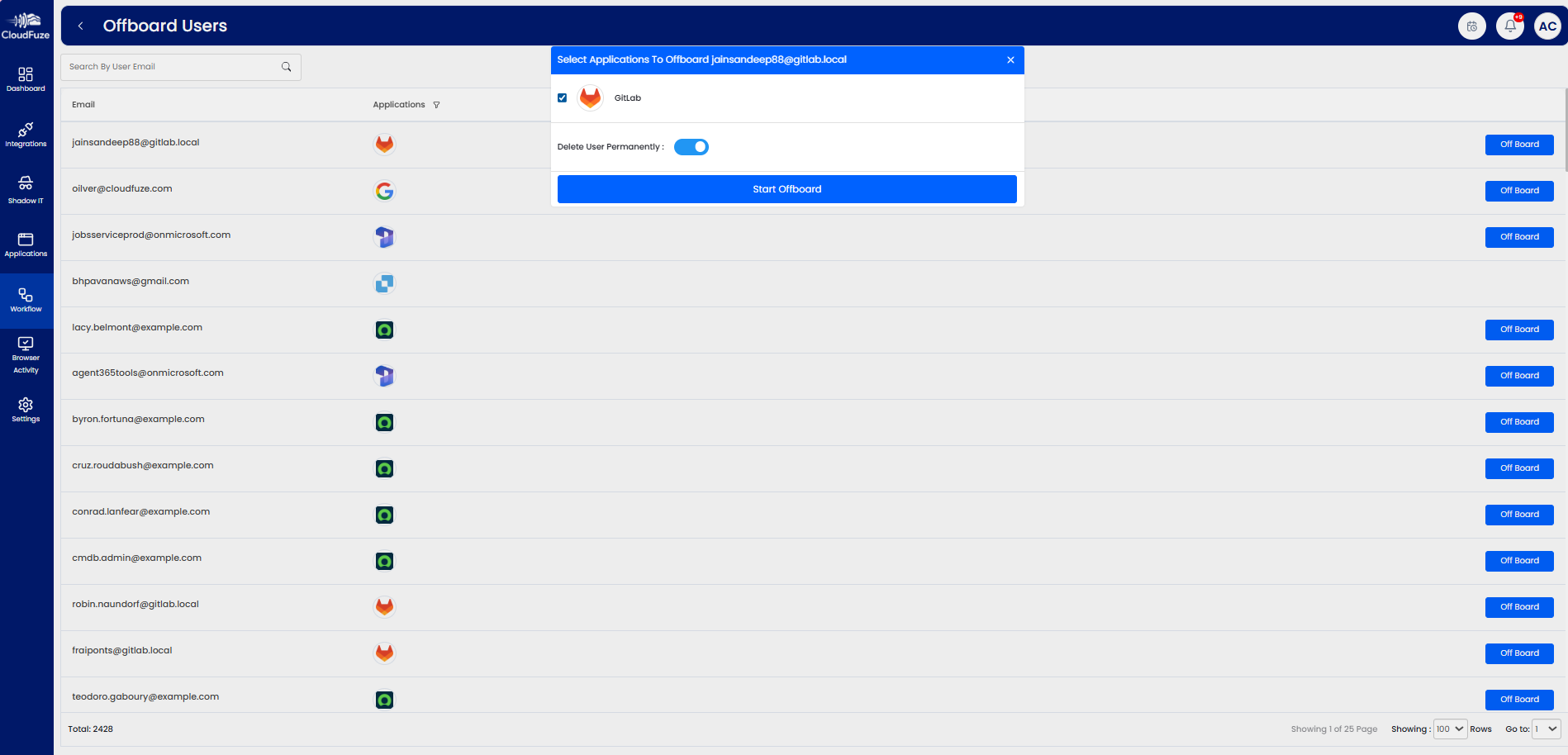
- Step 3: You can use “user offboarding” to automate employee account deprovisioning and ensure that the former employee has no access to your official tools (Slack, Atlassian, Teams, Insightful, BambooHR, and more).
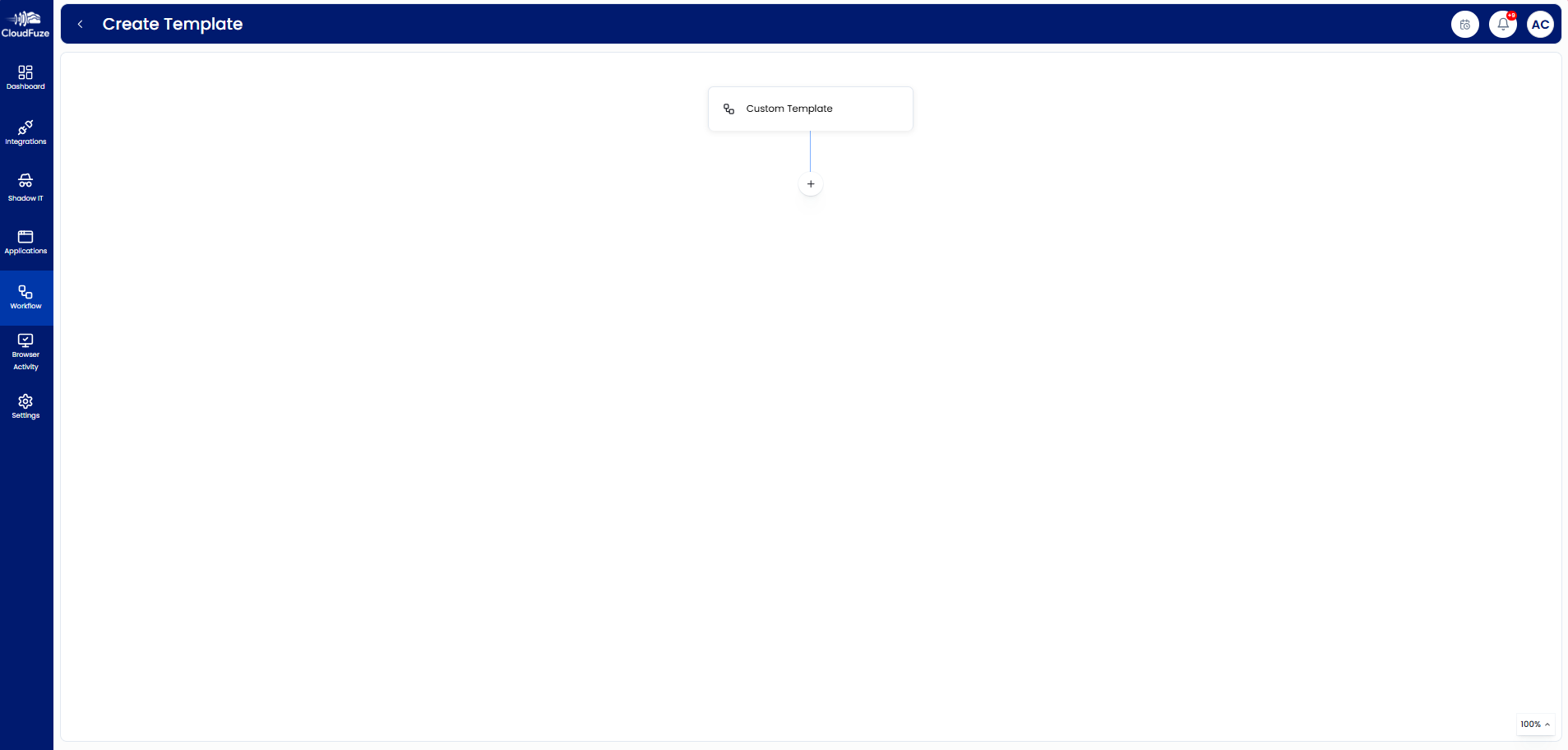
- Step 4: IT administrators can also build customized offboarding workflow templates to handle employee terminations, resignations, and internal role transfers.
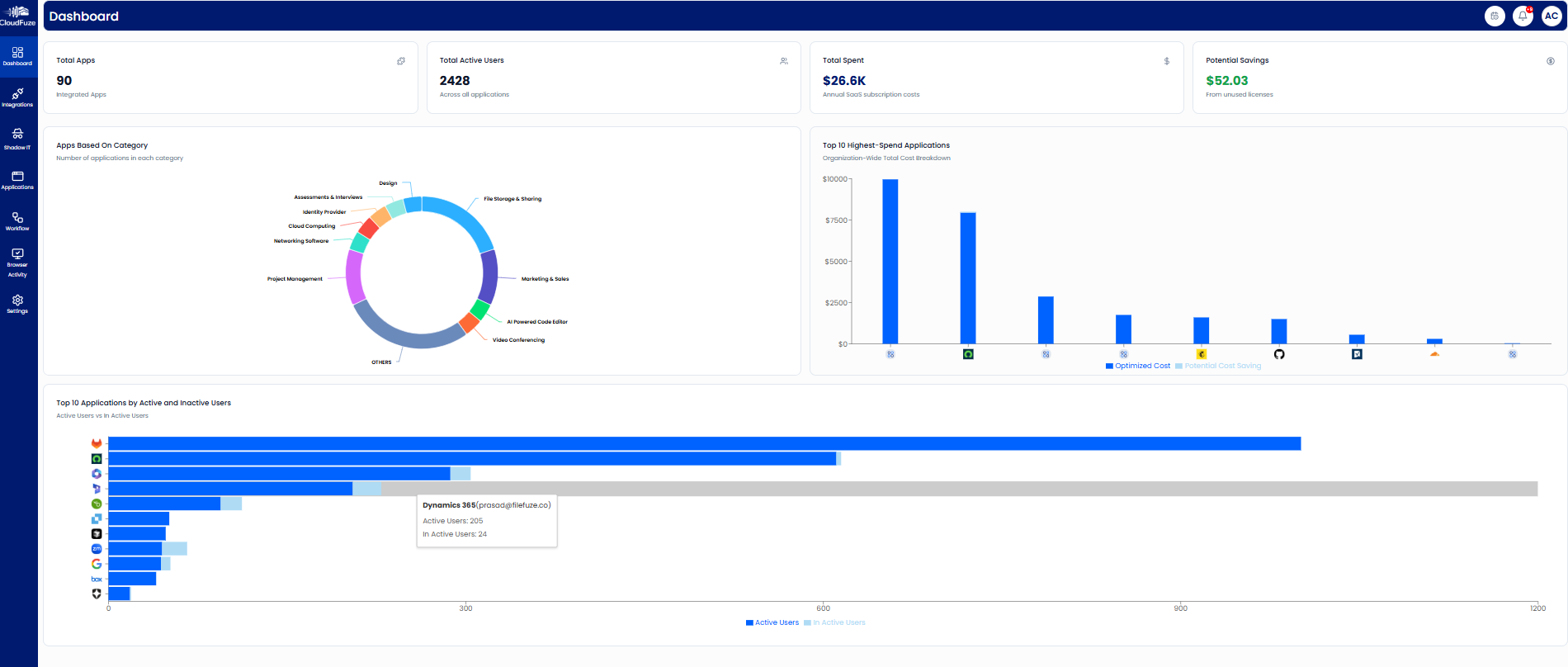
- Step 5: IT teams can track and audit every step of employee offboarding using our intuitive dashboard and audit logs in a single platform without switching multiple tabs.


Experience Zero-Touch User Offboarding Workflows with CloudFuze Manage
When your organization adopts automated offboarding workflows, you’ll remove the hidden data security risks that manual offboarding processes often leave behind.
Utilizing our SaaS & AI app management platform, CloudFuze Manage, businesses of all sizes can automate onboarding as well as offboarding workflows in a single platform.
Interested in knowing how automated offboarding workflows work in CloudFuze Manage?
Frequently Asked Questions
1. Best software for automated offboarding workflows in mid-sized companies
Our SaaS & AI app management platform, CloudFuze Manage, provides automated offboarding workflows that instantly revoke employee access, reallocate employees’ data, trigger user workflows, and maintain accurate audit logs, making it the best automated user offboarding software for mid-sized companies.
2. Benefits of integrating automated offboarding workflows with IT asset management systems
Using our platform, CloudFuze Manage, with IT asset systems automates user access revocation, enables accurate data reassignment, reduces orphaned employee accounts, strengthens IT applications’ compliance, and unifies user offboarding actions on a single platform.
3. How to transition from manual to automated offboarding processes effectively?
SMBs and large companies can easily switch from a manual user offboarding process by connecting their HR and IT systems to our platform, CloudFuze Manage.
Our tool helps IT admins to standardize user workflows, automate employee deprovisioning, customize employee workflow templates, and monitor each step of employee offboarding through our intuitive dashboard.



Leave A Comment