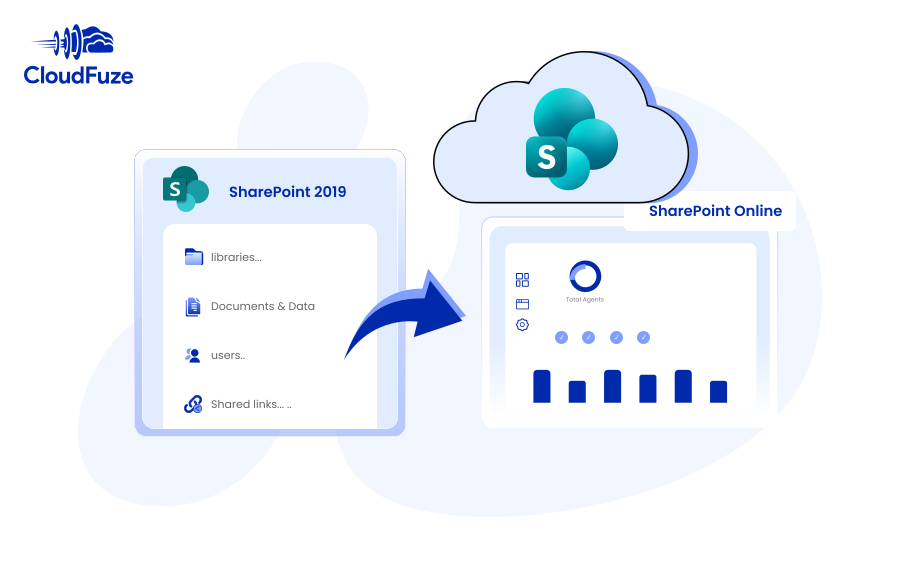
Migrate SharePoint 2019 to SharePoint Online Step by Step

Migrate sites, libraries, users and data from SharePoint 2019 to SharePoint Online with CloudFuze. Our managed migration support, combined with enterprise-level security and performance, helps you bring your on-premises SharePoint 2019 data to the SharePoint Online cloud without any security or downtime issues.

  • One-time and delta migration
  • Sharing permissions migration
  • Embedded links migration
  • Version history migration
  • External shares migration
  • Shared links migration

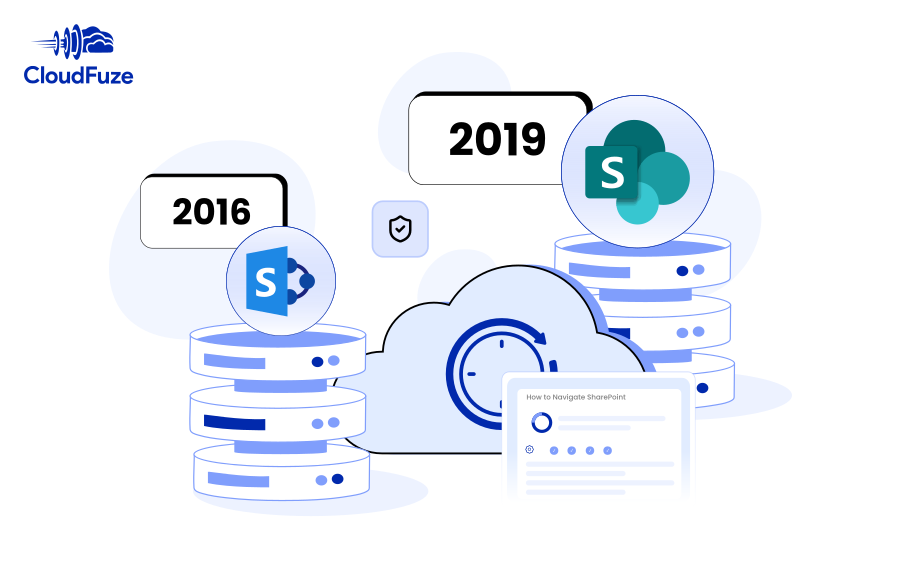
SharePoint 2016 to SharePoint Online Migration Guide

Planning to migrate SharePoint 2016 to SharePoint Online? Learn how CloudFuze helps you transfer on-prem SharePoint 2016’s sites and libraries to SharePoint Online with a streamlined and secure process.

  • One-time migration
  • Sharing permissions migration
  • Embedded links migration
  • Version history migration
  • External shares migration
  • Shared links migration

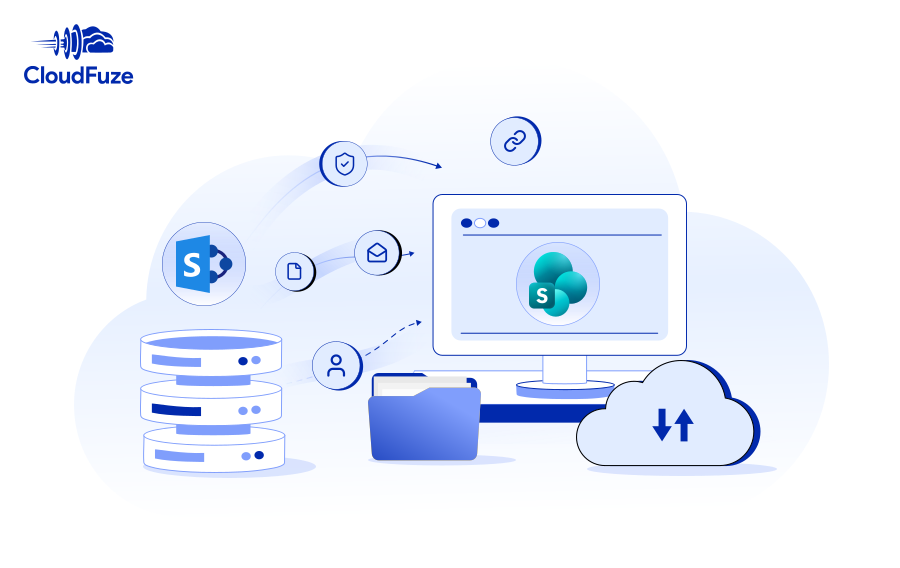
Box to SharePoint Migration Guide for IT Admins

Migrate high-volume data of your company, university, or government agency from Box to SharePoint. Accelerate your move to Microsoft 365 with CloudFuze’s powerful migration solution and enterprise-grade end-to-end support.

  • One-time & delta migration
  • Root and sub folder permissions migration
  • Root and inner file permissions migration
  • External shares & shared links migration
  • Embedded links migration and correction
  • Box Notes conversion and migration

SharePoint Online to Google Shared Drives Migration Guide for Businesses

Perform your company’s SharePoint Online to Google Shared Drives migration with CloudFuze. With our content migration tool, you can ensure accurate replication of SharePoint data in Shared Drives.

  • One-time and delta migration
  • Sharing permissions migration
  • Timestamps preservation
  • External shares migration
  • Version history preservation
  • Shared links migration
Go to Top