
Please follow the below steps to cancel the subscription with CloudFuze account.
Step 1: Please login to CloudFuze account.
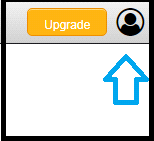
Step 2: Click on the user Icon at the top right side of the window
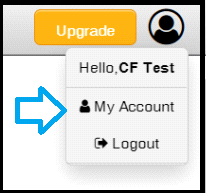
Step 3: Click on My Account tab from the dropdown
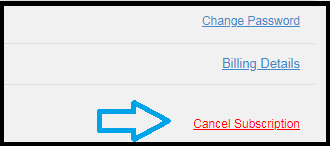
Step 4: Click on the Cancel Subscription link



Leave A Comment