How to Handle External Sharing & Guest Users During Migration?
How to Handle External Sharing & Guest Users During Migration? It goes without saying that transferring external shares is one of the most important aspects of performing cloud [...]

How to Handle External Sharing & Guest Users During Migration? It goes without saying that transferring external shares is one of the most important aspects of performing cloud [...]
10 Best Practices for Microsoft 365 Cross Tenant Migration Microsoft 365 cross tenant migration has emerged as an essential need for enterprises dealing with mergers, acquisitions, divestitures, or [...]
How to Use Microsoft Teams Like Slack? Post-Migration Tips Many organizations switch from Slack to Microsoft Teams for various reasons. While both platforms share feature similarities, adapting to [...]
Migrate Microsoft Teams from One Tenant to Another & Sync Changes We at CloudFuze facilitate smooth Microsoft Teams tenant-to-tenant migration, helping enterprises migrate Teams to Teams with complete accuracy. Whether [...]
From 5 Tenants to 1: M365 Tenant Migration of a Tech Company After a massive merger, a tech company faced the complex task of managing five separate Microsoft [...]
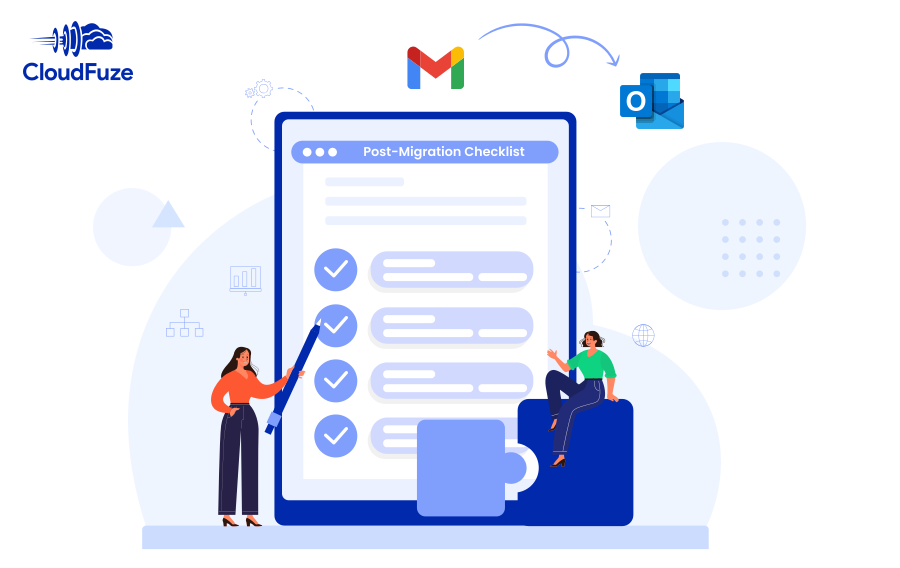
7 Post-Migration Checklist for Migrating Gmail to Outlook Enterprises are deeply concerned about how to migrate Gmail to Outlook but fail to consider the post-migration validation process, during [...]
How to Securely Decommission Clouds After Cloud Migration? A successful cloud data migration is not just about moving the data and users but also about decommissioning the source [...]
How to Plan Large Cloud Storage Migrations for 10,000+ Users Moving 10,000+ users in a large-scale cloud migration project requires a fool-proof strategy. The plan must address your company’s entire [...]
How to Handle Role-Based Access Controls During Migration? When it comes to managing user roles and permissions during cloud data migration, implementing the role-based access approach is one [...]
How to Disable OneDrive Auto Sync (Windows & Mac): Quick Fix OneDrives Auto Sync feature is great for making sure your files are always backed up and accessible [...]
5540 Centerview Dr Ste 204
PMB 751561, Raleigh,
North Carolina 27606




© CloudFuze, Inc. 2026 All rights reserved